#地雷38 : Responding to accidental controller input.回應突發性的控制輸入
Journey supports tilting the entire controller to control the camera. But unlike sticks, the tilt has no built-in neutral position.風之旅人提供升降整個攝影機的控制,但並非在中間位置作升降。
To minimize accidental input, constantly recalibrate the neutral position to adapt to the player's posture.為縮小突發性的輸入,立即的重新校正中間位置,去因應玩家的位置。
It worked better in Flower because tilting is the *only* thing you do, so you focus on it.這最好在關鍵階段發生,因為升降是唯一你能做的,所以你必須聚焦在這上面。
#地雷39 : Using Linear sensitivity.使用線型靈敏值
Analog sticks don't have much range.(如果使用線型)模擬搖桿就沒有太多應用空間。
To provide more perceived range, use an "S" curve for the sensitivity.為提供更精確的範圍,使用S曲線當作靈敏值。
Intermediate positions should be significantly less sensitive than extreme positions, allowing players to make small adjustments.中等位置應該要特別少的靈敏值,並少於急劇位置的靈敏反應。讓玩家可以做較細微的調整。
#地雷40 : Letting the camera pivot drift too far.攝影機的軸心飄移太遠
Jerky avatar motions can be smoothed out by letting the avatar drift slightly from the center of the screen.可以讓角色在螢幕中心,攝影機緩慢移動(延遲移動),解決忽快忽慢的角色運動。
But it's easy to let a fast player escape the screen entirely.不過這會讓速度快的角色,整體跑出畫面。
Limit how far the camera can draft.限制攝影機可以漂移的距離。
#地雷41 : Using a small field-of-view.使用固定小範圍的視野。
The more the camera is zoomed in, the faster everything appears to move.大多的攝影機都是拉近,因此物件移動會看起來很快。
Camera zoom should be turned to fit the environment size and avatar speed.攝影機縮放需要符合場景尺寸和角色速度。
First-person games often make players feel sick.第一人稱遊戲通常會讓玩家噁心。
Racing games often change FOV when boosting.賽車遊戲通常在加速時改變視野
First-person games change FOV when aiming.第一人稱遊戲通常在瞄準時改變視野
FOV shifts feel like a forward-backward motion, and can be a trigger for simulation sickness. FOV的改變,感覺會像是視覺前進後退的移動,這都是導致動暈噁心的誘因。
#地雷43 : Shaking the camera.震動攝影機
"Screen shake" is a popular trick to emphasize impacts.螢幕振動是一種很普遍的技巧,可以增加效果。
But it's pretty clearly a trigger for simulation sickness.但也容易造成動暈噁心。
Just provide a feature in the options menu to tone it down.在選單中,也提供一個選項能夠關掉振動。
#地雷44 : Bouncing the camera with the avatar's walk cycle.攝影機跟隨玩家走路(跑步)循環的起伏。
The up-and-down camera motion , when not also accompanied with an up-and-down couch motion, is nauseating.攝影機上下位移,沒有配合適當的緩衝動作,也會造成噁心。(這常見在攝影機架在過肩位置的遊戲,這讓遊戲更逼真)
Also needs a menu option! 所以也需要選單項目可以開關它。
#地雷45 : Translating or rotating up and down when the avatar jumps.玩家跳躍,會轉變或旋轉上下方向。
What comes up must come down. 攝影機有升必有降(普遍存在於第三人稱遊戲及橫向卷軸上)
The camera can ignore 攝影機可以忽視,不必跟隨跳躍。
#地雷46 : Rapidly transitioning to a new camera position.頻繁轉換新的攝影機位置。
Yanking the camera isn't much better for sense of direction than a cut, and still trigger simulation sickness.對於方向感而言,突然移動攝影機,不會比切鏡的鏡頭更好,並且也會造成動暈噁心。(遊戲開發者可能遵循不要切鏡頭這個規則太過頭了!)
If it's a moment when control is taken away from the player, a cut would be perfect.假使攝影機有一會兒的時間無法被玩家控制,這顆鏡頭就完美了。
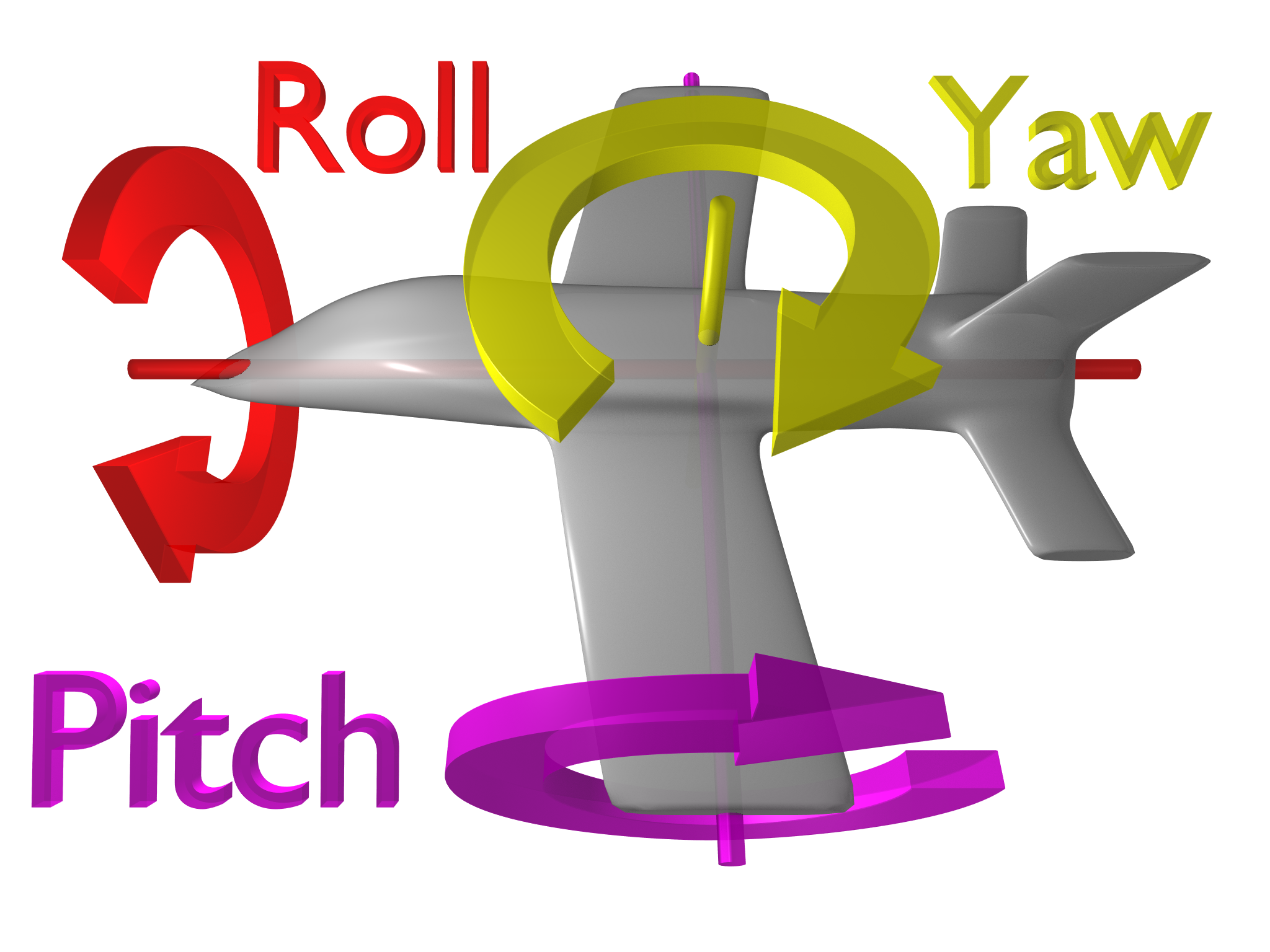
#地雷47 : Maintaining pitch speed until hitting the pitch limit.保持間距速度,直到到達間距的極限
Pitch has upper and lower bounds.間距有上限與下限
Stopping abruptly at the limit triggers simulation sickness.在限制下突然停止,會引發噁心動暈。
Decelerate as the camera approaches the limit for a smooth stop.攝影機接近限制速度時,要用降速並平順的停止攝影機。
#地雷48 : Developing for the Oculus Rift. 研發VR (大家大笑)
There's a lot of exciting development going on here.這個領域有很多令人興奮的發展
But I'm very skeptical that the simulation sickness problem will ever go away completely.但我非常懷疑,動暈問題還是會存在著。
To reach more players, don't make the Oculus Rift mandatory for your game.為吸引更多玩家,別讓遊戲強制使用VR裝置。
#地雷49 : Testing with a narrow demographic. 用少數人做檢測
People who already play the type of game you're making won't help you grow your audience.準備想玩你遊戲的玩家,可能無法幫你增加玩家數。
Children and beginners will point out many design flaws.孩童和新手可以幫你指出許多設計缺陷。
Ask testers if the game makes them feel sick.詢問測試者遊戲是否會讓他們動暈。
#地雷50 : Writing a general "constraint solver". 寫一個通用的"限制處理軟體"
All of these mistakes are part of the iteration process.這些所有缺失都是迭代過程的一部分
It's a lot easier to iterate on rules that interact in predictable ways.使用可預測且互動的規則,更容易迭代。
Relying on an optimizing artificial intelligence to figure it out can be unpredictable.依靠最佳化的AI去理出頭緒,可能會變得無法預測。
It's important to deeply understand the relationships between the constraints.深度了解限制之間的關係,是很重要的。
: The Devil is in the Details. 惡魔藏在細節裡!
unfortunately, solutions that work for one game wouldn't work for all. 不幸的,每個遊戲並不會全都用上這些解決方式。
This list can serve as criteria to help you evaluate how well your solutions work.這張清單,可以當作標準,幫助你優化你的作品。
But they are not a replacement for testing.但這不代表可以取代測試,還是要找人做測試!
Pressing the directional stick upward means go forward.按住方向桿往前,意思就是往前走
But the camera decides which direction is forward.不過攝影機才是決定那個方向前進。
Players adapt when forward rotates smoothly, but it's impossible to teleport your thumb when a camera cuts.前進平順旋轉,玩家會適應,不過攝影機切鏡,玩家不可能瞬間移動自己的拇指(他們不會迅速做出反應)
Give the player a moment to get used to the new angle before requiring new input.在新的遊戲內容來臨前,讓玩家有時間去習慣新的角度。(讓他們先在一個不會受到攻擊的地方適應)
#地雷19 : Breaking the player's sense of direction. 破壞玩家方向感。
Cuts are common in cinema, but players need to be able to navigate.在電影中,切鏡是很普遍,但需要指引玩家。
Players navigate with a combination of landmarks and dead reckoning. Cuts break the latter.玩家用地標和航位推測組合推測方向,但切鏡會破壞這一切。
Cut sparingly.有節制的切鏡。
If the camera must cut, avoid changing the angle more than 90 degrees, and try to keep landmarks in view.攝影機一定要被切鏡,避免改變角度超過90度,並且保持地標在鏡頭內。
#地雷20: Violating the 180 degree rule. 違反180度原則
well-know in cinema, the 180 degree rule is less important to game because it only matter during cuts.這在電影裡眾所皆知,但對遊戲而言,180度規則只是幾個cut。
But it still applies to cutscenes!但它還是會是用在過場動畫!!
Align the game camera with the end of a cutscene and transition smoothly to the game camera to preserve sense of direction.對齊過場動畫結束的遊戲攝影機,並順暢地切換成遊戲攝影機,這之間要保持場景方向。
#地雷21:Focusing only on the avatar.只對焦玩家角色
The avatar is not an island! 玩家角色不是島嶼!
Player need to see where they're going, and it's the camera's job to show them.玩家需要看到他們該去的地方,這也是攝影機的任務,指引玩家。
#地雷22:Relying on players to control the camera all the time.隨時讓玩家操控攝影機
For many players, controlling an avatar and a camera at the same time is like patting their head and rubbing their belly.對許多玩家,同時控制角色和攝影機,就像是拍拍他們的頭,和對他們肚子搔癢(不能提升遊玩體驗,他舉的例子就是玩家把攝影機移動,像是喝醉的人,攝影機應該給玩家看最好的角度)
Even players who are good at it use jerky motion.即便玩家擅長穩定手震鏡頭
There are many tricks to point the camera in the right direction automatically.有很多技巧可以自動指引攝影機到對的方向。
#地雷23:Leaving camera yaw alone while player is running. 玩家在奔跑時,只留攝影機Y軸旋轉
Player usually want to look in the same direction that they're running in.玩家在奔跑中,通常想看同一個方向。
The simplest way to guide players is to shoe them where they're already going. The camera should drift behind moving players.最簡易指引玩家的方法,就是朝他們行進的方向拍攝。
It's like giving the directional stick two functions, but don't keep turning when the avatar runs into a wall. 有點像給方向桿兩個功能,但遇到牆,要讓攝影機換鏡位,別讓玩家認為可以繼續往前走。
#地雷24:Making it hard to judge distances.很難判斷攝影機距離
The game may be 3D, but the screen is 2D.遊戲是3D的,但螢幕是2D
Depth perception is weak.空間深度會感受較薄弱
Distances are easiest to judge when they align with the plane of the screen.玩家與螢幕平面如果是對齊的,距離容易判斷。
Side views are good for vertical navigation. 側視圖容易判斷垂直導航移動距離
Top views are good for horizontal navigation. 上視圖容易判斷水平導航移動距離
#地雷25:Looking straight ahead as the avatar approaches a cliff.攝影機筆直前進,就像玩家接近懸崖。
Use raycasts to determine the elevation ahead and detect drops.使用raycasts決定勢能頭和偵測落下。
Tilt to an overhead view to show how far the avatar is from the edge, and to allow the player to see below. 傾斜俯瞰視角,可以呈現玩家距離邊界有多遠,允許玩家看到邊界下方。
Lifting the camera over the avatar keeps it from hitting the ground in case the avatar suddenly drops down.攝影機升過玩家角色,讓它不要碰撞到地面,像是玩家突然掉落某個地方,攝影機就該高於角色。(可以幫助玩家看到底部)
#地雷26:Keeping the camera level when the avatar is running on a slope.角色在坡度上跑,要保持攝影機高度
A straight-ahead view feels like an overhead view when climbing a slope. Align the camera with the slope.
爬坡時,直線視線感覺會像俯瞰視角,攝影機是沿著坡度移動
The slope immediately under the avatar's feet may be bumpy. Use raycasts to determine average to determine average slope.玩家在爬坡,有可能會崎嶇,使用raycasts 決定平均坡度。
It's easy for raycasts to mistake a short wall for an upward hill. Distinguish with surface normals.
Raycasts 很容易對山丘上的短邊牆產生錯誤,使用表面法向區分出來。
#地雷27: Misusing the "Rule of thirds".誤用「三分構圖法」
Framing thing off-center can be pleasant.景框的物體沒有在中心是可以被接受。
But don't pivot in-place!但是不要把軸心放在非中心位置。
Instead,Slide sideways to frame the avatar.而是鏡頭的位置往側邊滑動,去框住玩家。
But players use the center of the screen to aim the directional stick.但玩家是使用螢幕中心去對準手把的方向桿(換句話說,玩家認為螢幕中心就是手把中心)
Shadow of the Colossus only works because it has a "gas pedal".這種角色位置非在畫面中心,只有汪達與巨像可以這麼作,因為它只有一個"油門踏板"(它只需要轉動攝影機,並角色是自動移動)。
#地雷28: Using the same Logic for ground and air motion.對地面和空中,都使用相同邏輯
Players need to make different judgements depending on their form of transport. The camera should adapt. 玩家依據他們的形式改變,要做出不一樣的判斷,攝影機也應該要調整。
When jumping or flying, players want to see where they'll land. Look downward.當跳躍或飛行,玩家玩家會想看他們要在何處降落。會往下看。
Short hops might not require any change. Modulate rule changes by the avatar's height above ground.短距離跳躍可能不會差太多,藉由玩家離地面的高度,調整規則。
地雷#29 : Relying entirely on procedural camera behaviors.完全依靠程序化攝影機的運動
Raycasts can only convey boundaries. They don't indicate value.只能傳遞邊界範圍,它們不能偵測體積。
As designers we have a better idea of what's important.
我們身為設計師,「什麼是最重要」才是更佳點子(重要的東西才要讓攝影機看到)
For special cases, use scripted "hints" to point yaw or pitch at a target.特別的例子(小場景),撰寫"Hints"(程式用語)去使用yaw or pitch指出目標物。
地雷#30 : Letting players make themselves lost and confused.讓玩家自己迷路和混亂
Detect whether the player has started backtracking a significant distance or veering away from targets.偵測不論玩家是否已經開始回到明顯的距離或遠離目標。(普遍做法:在雷達上放方向錯誤訊息,但作者覺得這太明顯)
Gently rotate the camera to guide the player back.巧妙地旋轉攝影機指引玩家回到目標路上(作者推薦)
Explicitly telling the player where to go robs them of the sense of discovery.清楚明白告訴玩家
地雷#31 : Rotating to look at nearby targets. 旋轉攝影機去看靠近的目標
Trying to keep up results in flailing around.試著揮動攝影機,保持拍攝目標在鏡頭內。
Move back or sideways to include targets in the view.攝影機往後移動或側邊拖拉,保持拍攝目標在鏡頭內。
地雷#32 : Translating to look at distant targets. 轉換觀看遠處的目標
Distant targets, on the other hand, will stay roughly the same direction from the avatar.遠處的目標,另一方面,就是與玩家站在同樣差不多的方向
The further away they are, the further the camera would have to move to account for them.藉由較遠的目標,遠處攝影機可以依據他們做移動。
The only way to look at the sun is to rotate the camera.只有一個方式看太陽,轉動攝影機。
地雷#33: Letting the avatar's own body occlude targets ahead. 讓玩家的身體擋住目標前進。
If the avatar and the target are both aligned with the horizontal center of the screen, they need to be vertically offset to be able to see both.如果玩家和目標同在一個水平線上,他們需要垂直偏移,使兩者都可以看見。
A slight bird's eye view usually works fine.些微的鳥瞰通常會有不錯的效果。
Alternatively, side sideways for a horizontal offset.另一個方式,水平位移。
地雷#34 : Giving the player control over the camera and then taking it away.給予玩家完整控制攝影機,卻又把控制權拿回來。
Hints and rails can provide "default" camera angles, but let the player to override them.Hints 和 rails(程式用語)可以提供"預設"攝影機角度,但讓玩家可以覆蓋它們。
If you have to take away the player's control, make sure that the camera is already showing what the player needs to see.如果你不讓玩家操作,要確定攝影機已經顯示玩家需要看到的東西。
地雷#35 : Immediately applying a hint after the player finished turning the camera to look at something. 玩家完成攝影機轉向看某件事,立刻使用Hint
If the player intentionally turned to look at something, they probably want to examine it before moving on.玩家有意轉向看某物,他們可能想研究它。
If there's nothing important, let the camera rest for a moment or until the avatar moves.如果沒有必要,讓攝影機休息片刻(延遲Delay)或等玩家移動再動作。
地雷#36 : Not letting exports explore.不讓探險者探索
Curious and experienced players may want to break the rules and explore a bit more.好奇心和有經驗的玩家,也許不想要遵守規則,只想深入探索。
Beginners need quidance, but letting exports control the camera lets them choose what matters to them.
初學者需要指導,不過要讓玩家控制攝影機,讓他們選擇他們覺得重要的。
地雷#37 : Not providing inverted controls. 不提供反向操作
many players are used to inverted camera controls on one or both axes, and it's hard for them to relearn.許多玩家習慣反向操作攝影機的某一軸到兩軸。(第一人稱遊戲會有)
Not having the option simply limits your audience.並不是給個選項,就單純限制你的玩家。
What's the last game you played that had a really great camera system? For that matter, what does it even mean to design a "great" camera?
你最近玩的遊戲,有很棒的攝影機系統嗎? 關於這問題,那什麼才算是設計優良的攝影機?
At GDC 2014, Thatgamecompany "Feel Engineer" John Nesky spoke passionately about the importance of good camera design in games, and what he learned about how to make a great camera in his time working on Journey, where he had to figure it out as he went along.
He went on to take the audience on a tour of all the poor game camera design decisions he and other designers have made in recent years, offering thoughtful advice on how to sidestep or solve each of them.
Imitate peripheral vision by expanding field-of-view. 藉由視距,模仿周邊視力。(想像自己就是角色,並且製造出當時所看到的範圍。)
#地雷16: Shifting pitch, distance, and field-of-view independently.獨自轉換間距,距離和視距。
It feels laggy when linked variables must play catch-up.連結變數必須同時進行,不然會感覺延遲。
Distance and field-of-view both affect avatar screen size. Moving them independently make avatar appear to change size. Moving them together can preserve size. 距離與視距兩者會影響玩家畫面尺寸。如果單獨移動,玩家尺寸會被改變。同時移動,才能保持尺寸。
Distance and field-of-view should be instantly derived from pitch, shifting together like gears.距離與視距應立刻衍生出最高點,如同齒輪換檔,同時進行。
Additional rules can be applied as offsets to the derived base values.額外規則可以利用偏移去衍生基本數值。