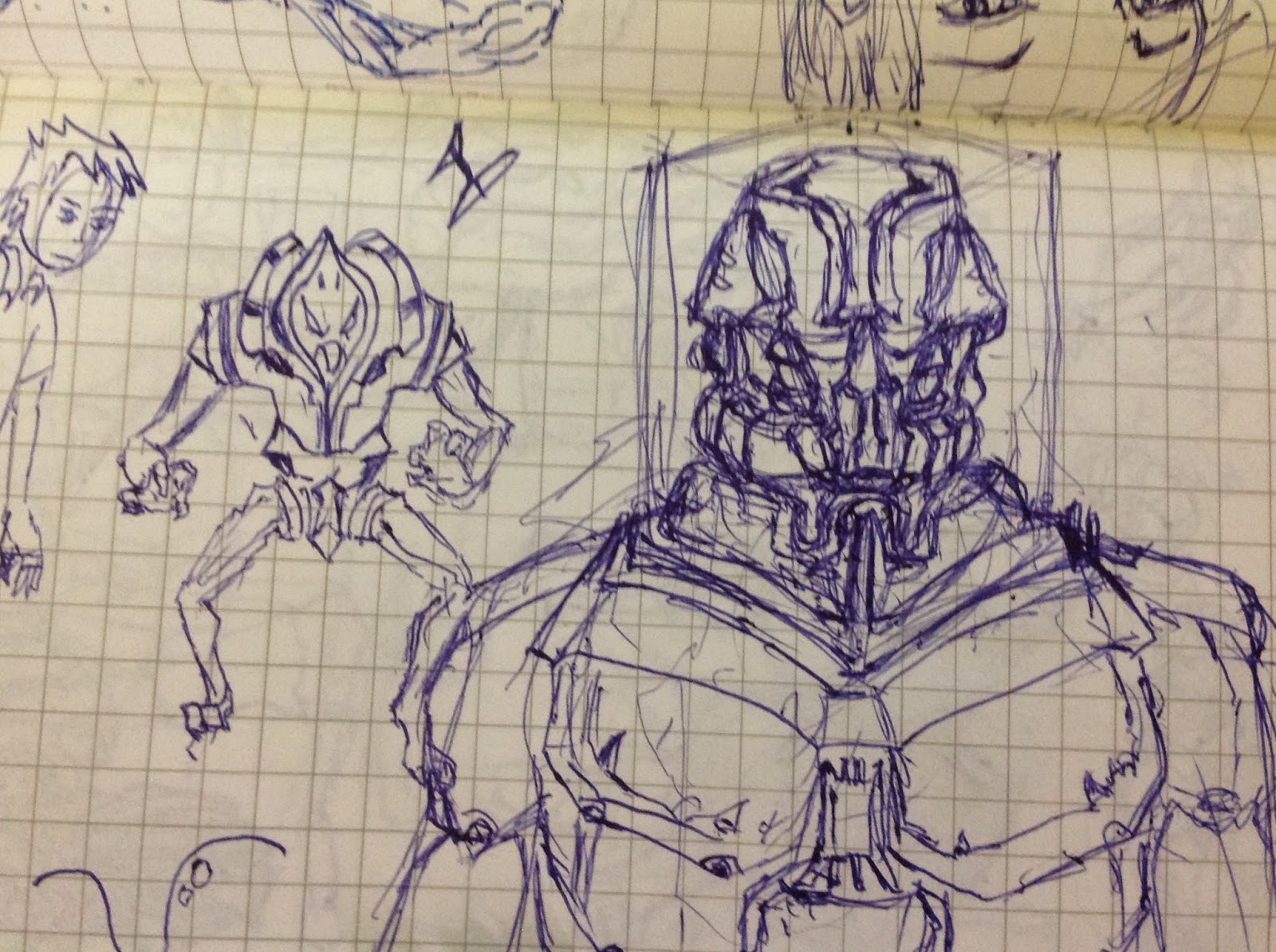
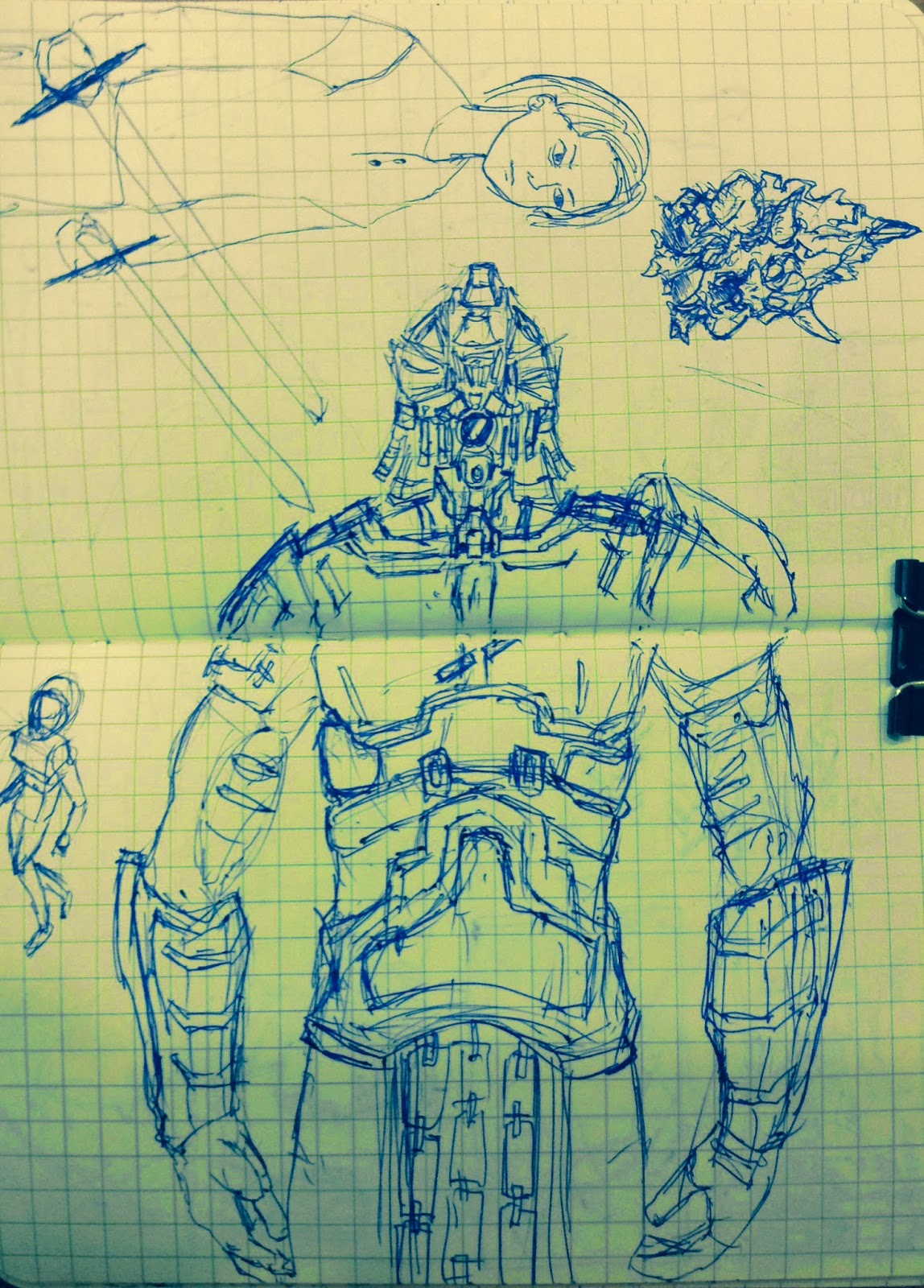
choice 0.38 pencil it's good to draw !
2014年11月14日 星期五
My MRT sketch book vol 7
Hello, I finally finish my first MRT sketch book. HA HA~~ I am so proud of this. But i have to say
choice 0.38 pencil it's good to draw !
2014年10月14日 星期二
CF3 is Launching !!
____Last month, I have expended much time in this CF. Wake up in 6:30 am for some good shots and it happen many times. I am so busy and my workflow should be changed. I hope things will go to bright side in the future. Keeping the faith
2014年9月21日 星期日
My MRT sketch book vol 6
___Hello,Here are some concept sketches and storyboards. Recently, I am still busy and
my jobs are still heavy . Therefore, my boss asks me to list a job opening . It is so great news !!
I went to HR website and made a list soon. Next,HR arranges some interviews. Seriously,
i didn't have much experiences of interview. Yet, i don't find the guy could share my jobs
since the job opening. OH~ NO
my jobs are still heavy . Therefore, my boss asks me to list a job opening . It is so great news !!
I went to HR website and made a list soon. Next,HR arranges some interviews. Seriously,
i didn't have much experiences of interview. Yet, i don't find the guy could share my jobs
since the job opening. OH~ NO
2014年8月31日 星期日
AE_Notice : YouTube Upload setting !
____Our CF launches in this week. The CF resolution is 1600*900 . So the problem is coming , Youtube don't support 1600*900 resolution. The tragedy happened. The CF was processed into 1280*720 and some details was missing. HOW Careless I AM !! I go back to read the upload document. I list some memos below.
1. Frame rates should match the source material.
影格速率或楨速率應該要符合原始影片
2. Container: .mp4
Audio Codec: AAC-LC
Video Codec: H.264
推薦使用MP4格式
音效壓縮碼 AAC-LC
影片壓縮碼H.264
3.If you have special resolution (non 16:9). Youtube will give pillar boxes or letter boxes.
如果你有非16:9的解析度,Youtube會幫你加上下左右黑邊!
Youtube支持解析以下
4. Bitrates
Video Bitrate is difference between Standard and High quality .
可以看到標準和高清Video Bitrate 的輸出是不一樣的!
5.____If your resolution is 16:9, but Youtube doesn't support. I recommended to upload higher resolution than your original. For example, my CF is 1600*900, i will turn it to become 1920*1080 and upload it.
如果你的分辨率是16:9,但YouTube不支持。我推薦上傳分辨率比你原來的高。例如,我的CF為1600 *900,我會把它變成1920*1080,並把它上傳。
1080p
720p
1. Frame rates should match the source material.
影格速率或楨速率應該要符合原始影片
2. Container: .mp4
Audio Codec: AAC-LC
Video Codec: H.264
推薦使用MP4格式
音效壓縮碼 AAC-LC
影片壓縮碼H.264
3.If you have special resolution (non 16:9). Youtube will give pillar boxes or letter boxes.
如果你有非16:9的解析度,Youtube會幫你加上下左右黑邊!
Youtube支持解析以下
- 2160p: 3840x2160
- 1440p: 2560x1440
- 1080p: 1920x1080
- 720p: 1280x720
- 480p: 854x480
- 360p: 640x360
- 240p: 426x240
4. Bitrates
Video Bitrate is difference between Standard and High quality .
可以看到標準和高清Video Bitrate 的輸出是不一樣的!
1Kbps=1024bps;1Mbps=1024Kbps;1Gbps=1024Mbps
5.____If your resolution is 16:9, but Youtube doesn't support. I recommended to upload higher resolution than your original. For example, my CF is 1600*900, i will turn it to become 1920*1080 and upload it.
如果你的分辨率是16:9,但YouTube不支持。我推薦上傳分辨率比你原來的高。例如,我的CF為1600 *900,我會把它變成1920*1080,並把它上傳。
2014年8月11日 星期一
My MRT sketch book vol 5
Ok another some sketch. Work is still busy .life still go on. Work hard. play hard. Sigh.... What's wrong with me !?
2014年7月29日 星期二
Xuan-Yuan Sword _ CF 01 first launch
We had made the CF for a whole month !! This is a second version, after we seen the first one and decided to redo it !!! This is real time render in unity and Animation uses mocap. LOGO first launch ! So let's take a look .
2014年7月24日 星期四
ZB_Make a hole with three ways !!
This is my process of making a hole. Today i combine them in this article.
這是我製作一個洞的過程。今天,我將它們合併在本文中。
Dynamesh :
____1.Be sure the model is dynamesh.
確定模型是Dynamesh
____2.Use Insert Brush. Here, i use Insert Cylinder Brush. Drag on the model By Holding Alt.
使用Insert Brush。在這裡,我使用 Insert Cylinder Brush。在模型上,藉由按住ALT鍵拖動。
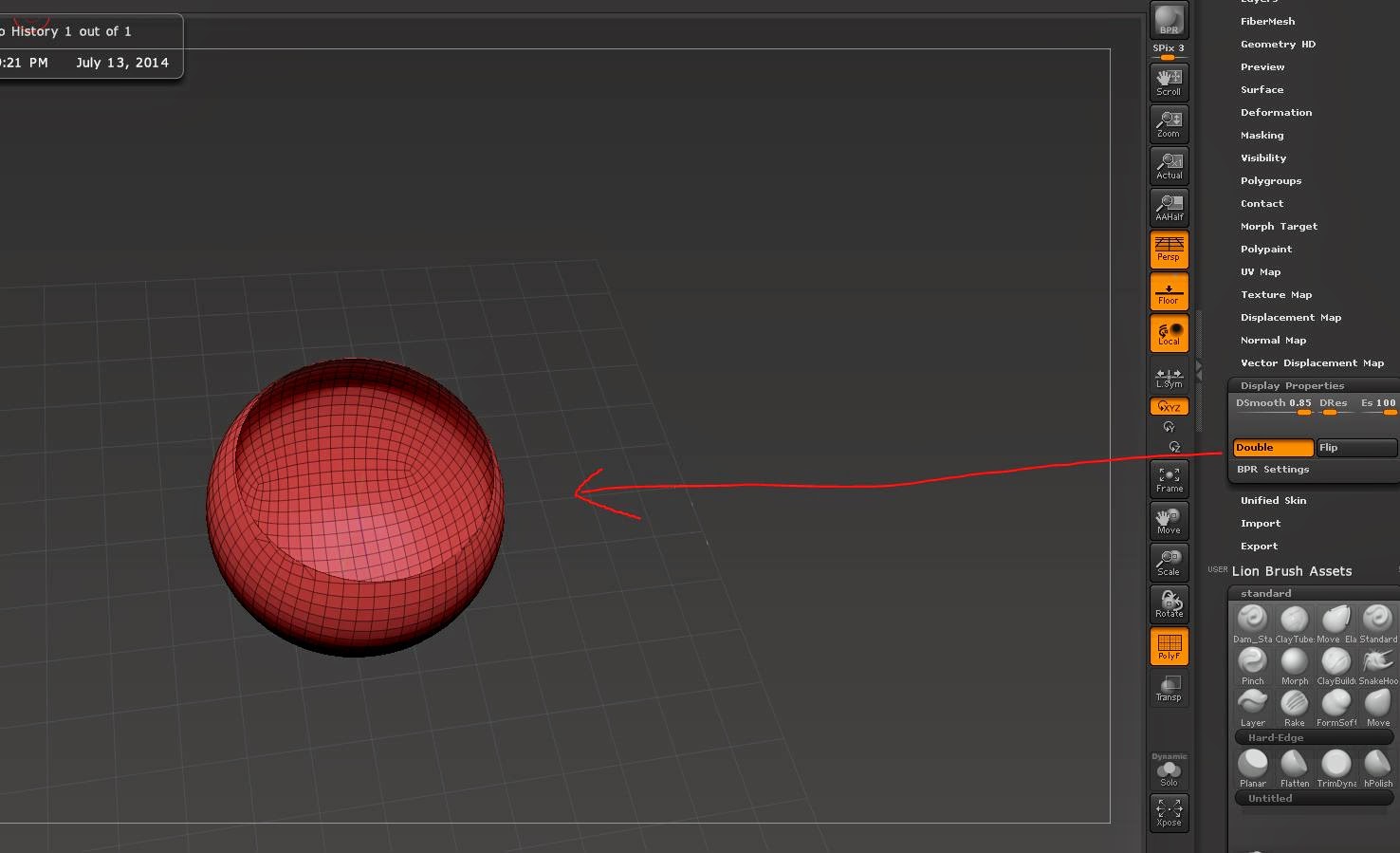
____3.Double side. Tool -> Display Properties ->Double.
顯示模型雙面
____4.Modify the model, scale, move and rotate.
編輯模型
____5.Drag on open panel by holding ctrl.
按住Ctrl 在空白地方拖曳
____6.Drag on open panel by holding ctrl again.
按住Ctrl 再一次在空白地方拖曳
Polygroup:
____1.make sure the Model without SDiv
確定模型不含細分層級
____2.Use TrimCurve ,Trim it and it will become two polygroup.
使用TrimCurve, 修剪並且它會變成兩個 polygroup
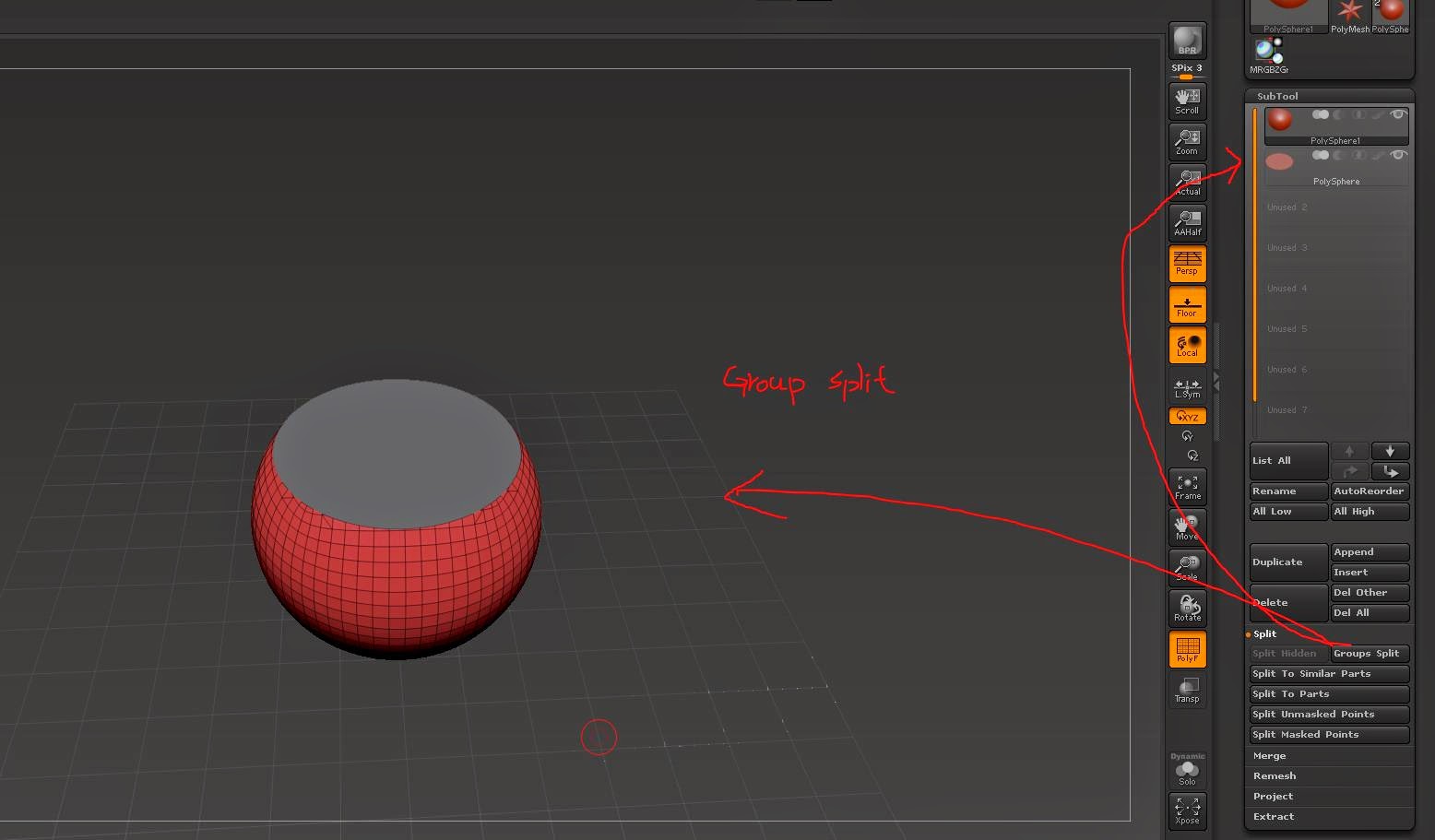
____3. Use subtool -> Group split , polygroups divide two subtool.
使用Group split, 會將polygroup 分成兩個子工具
___4. Delete "cover"
刪除另一個子工具(蓋子)
____5.Double side. Tool -> Display Properties ->Double.
顯示模型雙面
____2. Extract , and Accept it !
提取,並接受它
_____3.Delete useless subtool .
刪掉無用的子工具
這是我製作一個洞的過程。今天,我將它們合併在本文中。
Dynamesh :
____1.Be sure the model is dynamesh.
確定模型是Dynamesh
使用Insert Brush。在這裡,我使用 Insert Cylinder Brush。在模型上,藉由按住ALT鍵拖動。
____3.Double side. Tool -> Display Properties ->Double.
顯示模型雙面
____4.Modify the model, scale, move and rotate.
編輯模型
按住Ctrl 在空白地方拖曳
按住Ctrl 再一次在空白地方拖曳
____1.make sure the Model without SDiv
確定模型不含細分層級
____2.Use TrimCurve ,Trim it and it will become two polygroup.
使用TrimCurve, 修剪並且它會變成兩個 polygroup
使用Group split, 會將polygroup 分成兩個子工具
刪除另一個子工具(蓋子)
____5.Double side. Tool -> Display Properties ->Double.
顯示模型雙面
Extract:
____1. Mask it
畫上遮罩
____2. Extract , and Accept it !
提取,並接受它
_____3.Delete useless subtool .
刪掉無用的子工具
訂閱:
文章 (Atom)


.jpg)